What Is a Security Audit? What It Covers and How to Choose One
·8 min read
- what is a security audit
- security audit
- security audit checklist
- software audit
- what occurs during a security audit
- how to choose a security audit provider
If you are asking "what is a security audit?", the short answer is simple. It is a structured check of how well your systems protect your data. It shows what is risky, what to fix first and how much effort each fix needs.
Many teams search "what is security audit" because a client, an investor or a launch date has made them nervous. This guide explains what a security audit covers and what occurs during one. It also gives you a security audit checklist, compares it with a software audit and shows how to choose a provider.
What Is a Security Audit?
A security audit is a review of your software, systems and settings to find weaknesses before someone else does. A reviewer looks at how things are built, who has access and where your data is kept. They then report the risks and suggest fixes.
You do not need to be technical to benefit from one. A good security audit is written for the people who own the product, so they can decide what to do next.
It is not a one-off tick box. Software changes, teams change and new tools appear. A security audit gives you a clear picture of where you stand on the day it is done.
When Should You Get a Security Audit?
Consider an audit when:
You are about to launch a new product.
A large client asks how your data is protected.
You built the app quickly, or with AI tools, and nobody reviewed it.
You took over software from another team.
You plan to raise money or sell the business.
A problem has already happened, and you want to prevent the next one.
Ask yourself a few simple questions. Who can open another customer's data? Are logins and permissions really enforced? If a client asked how your app is secured, could you answer? If you hesitate, it is time.
What a Security Audit Covers: Five Places We Look
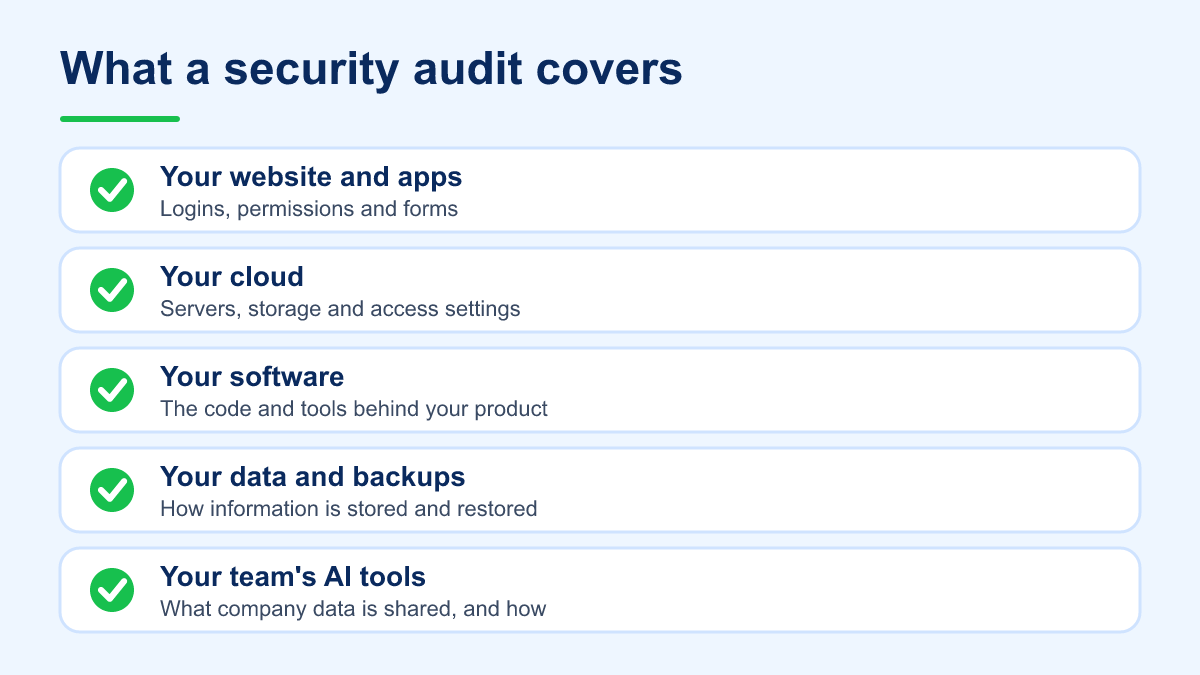
The scope changes from one business to the next. Most audits look at these five places:
Your website and apps: logins, permissions, forms and the way data is handled.
Your cloud: servers, storage and settings that decide who can reach what.
Your software: the code behind your product and the tools it depends on.
Your data and backups: how information is stored, protected and restored.
Your team's AI tools: what company data is shared with AI tools, and how.
The last item is newer, but it matters. Teams now paste code, documents and customer details into AI tools every day. A security audit should show where that data goes.
Security Audit vs Software Audit
The word "audit" is used for several different jobs. A software audit and a security audit are often confused, so it helps to be clear about each.
A software audit reviews the quality, structure and health of a software product. It asks whether the code is tidy, whether it can grow and whether it is easy to maintain. A security audit asks a different question: can someone get in, see what they should not or break something?
The two often overlap. If you are buying or inheriting software, ask for a software audit and a security audit together. If security is your main worry, ask for a security audit and say so.
Here is how the main types compare:
Security audit. Finds security risks across your systems and settings. Best for teams that need a clear picture of risk. Watch out: agree the scope in writing.
Software audit. Reviews the quality, structure and health of a software product. Best for buyers, investors and teams taking over a codebase. Watch out: it may not go deep on security unless you ask.
Licence audit. Checks that you follow the licence terms of the software you use. Best for companies using many third-party tools. Watch out: it says nothing about security.
Penetration test. Tries to break in, as an attacker would. Best for mature products with a defined scope. Watch out: it shows a snapshot, not the full picture.
Vulnerability scan. Runs a tool that looks for known issues. Best as a quick first check. Watch out: it misses logic flaws and can report false alarms.
What Occurs During a Security Audit?
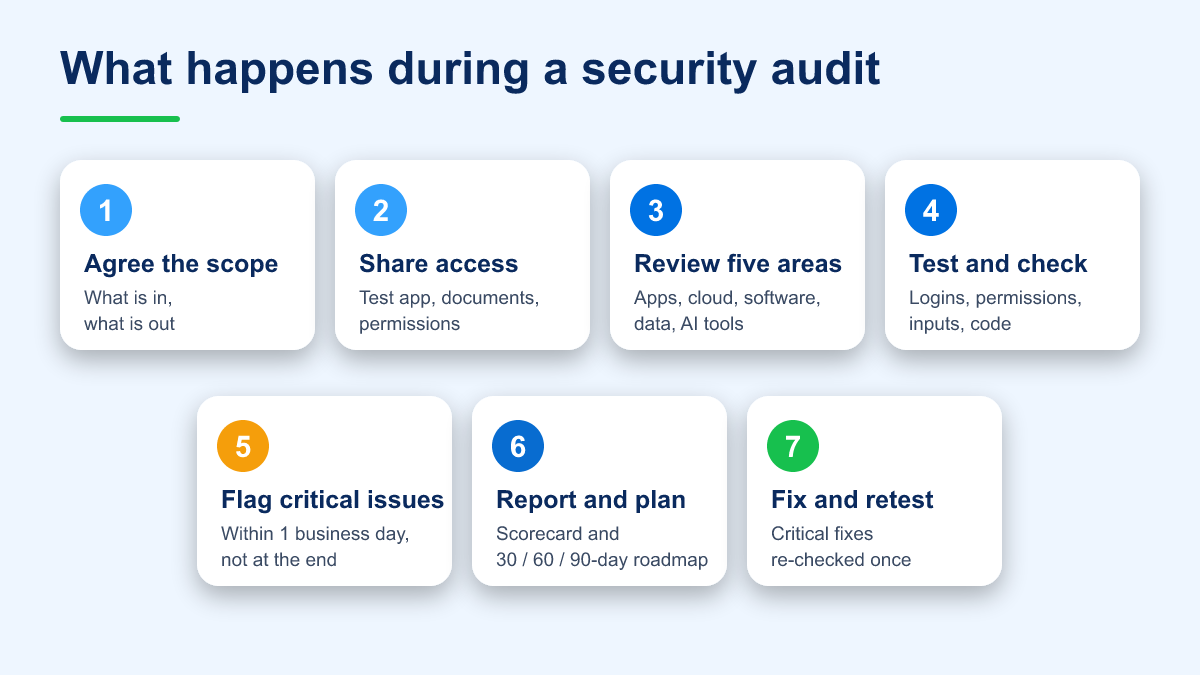
Knowing what occurs during a security audit helps you plan. The exact steps vary, but most audits follow this order:
Agree the scope. The provider and you decide what will be reviewed and what will not.
Share access and information. You provide a test version of the app, documents and the right permissions.
Review the five areas. The reviewer checks your apps, cloud, software, data and AI tools.
Test and check. They try the logins, permissions and inputs, and read the code where it is in scope.
Flag critical issues. Serious problems are shared quickly, not saved for the end.
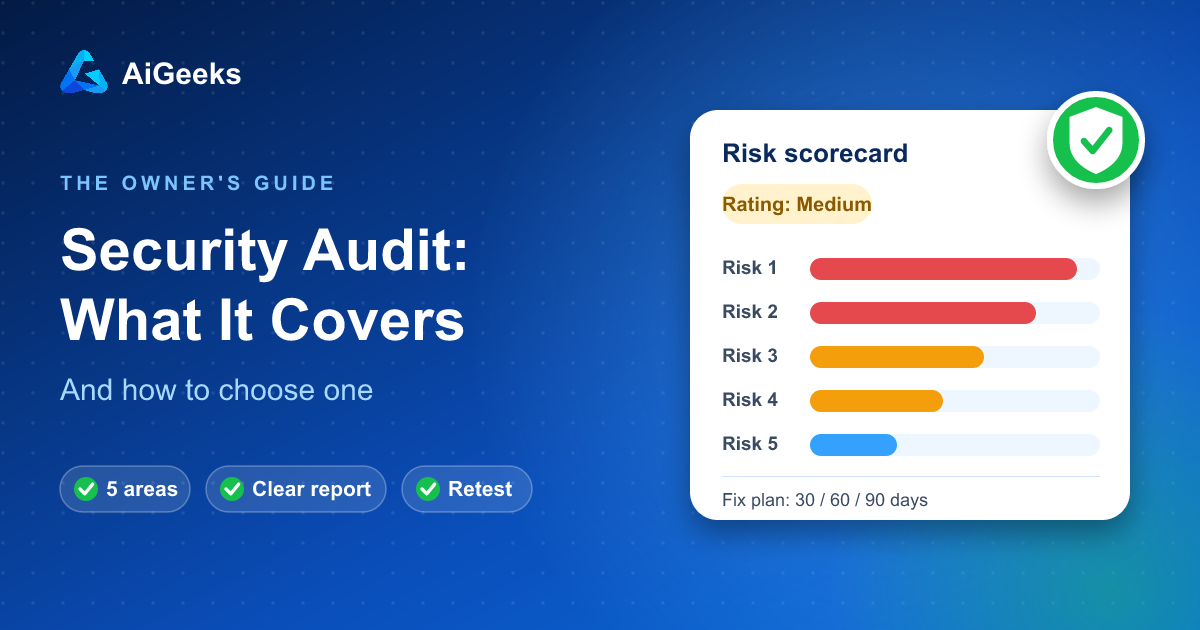
Report and plan. You receive a scorecard and a roadmap of fixes.
Fix and retest. After the critical fixes, the reviewer checks that they worked.
Most of the work happens behind the scenes. Your part is to share access, answer questions and decide what to fix first.
A Simple Security Audit Checklist
Use this security audit checklist as a first self-check. It does not replace a full audit, but it shows where the gaps may be:
Can any user reach another user's data?
Are logins, password resets and permissions enforced on the server?
Are keys, passwords and settings kept out of the code?
Are your servers and storage locked down to the people who need them?
Is your data backed up, and have you tested a restore?
Do you know which third-party tools and libraries your product uses?
Do you know what company data your team shares with AI tools?
Could you explain how the product is secured if a client asked?
If you answer "no" or "not sure" to several of these, plan a full security audit. A checklist like this is a good start, but it cannot test what it cannot see.
What You Should Receive From a Security Audit
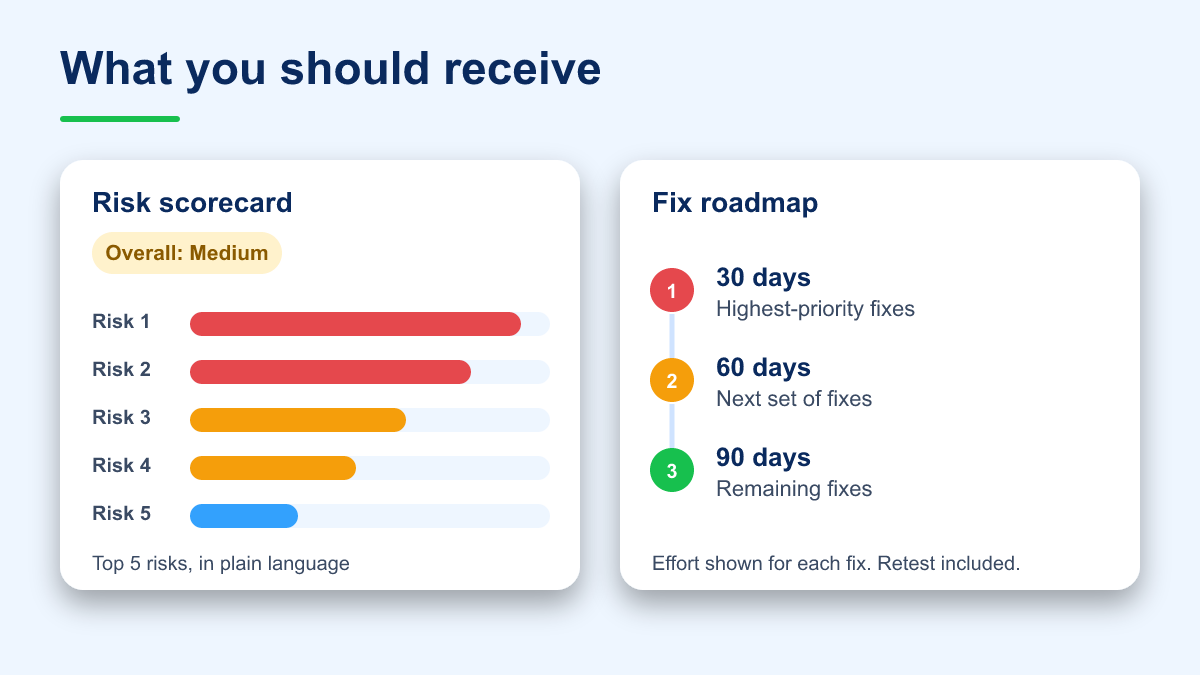
The best audits end with answers, not technical noise. Look for these deliverables:
Early warnings: critical issues flagged quickly, not saved for the end.
An overall rating: a plain view of how risky things are today.
Your top risks: the five issues that matter most.
A roadmap: what to fix in the first 30, 60 and 90 days.
Effort for each fix: so you can plan time and budget.
A retest: a second check that your critical fixes worked.
How Long Does a Security Audit Take, and What Does It Cost?
The time depends on the size of your product and the scope you agree. A small web app is quicker than a platform with many integrations. Ask the provider for a timeline and for the date when you will see critical issues.
Cost depends on the same factors: the number of apps, how much code there is, how deep the review goes and whether a retest is included. Ask for a fixed fee and a fixed scope. That way, you know the price before work begins and avoid surprise hours.
How to Choose a Security Audit Provider
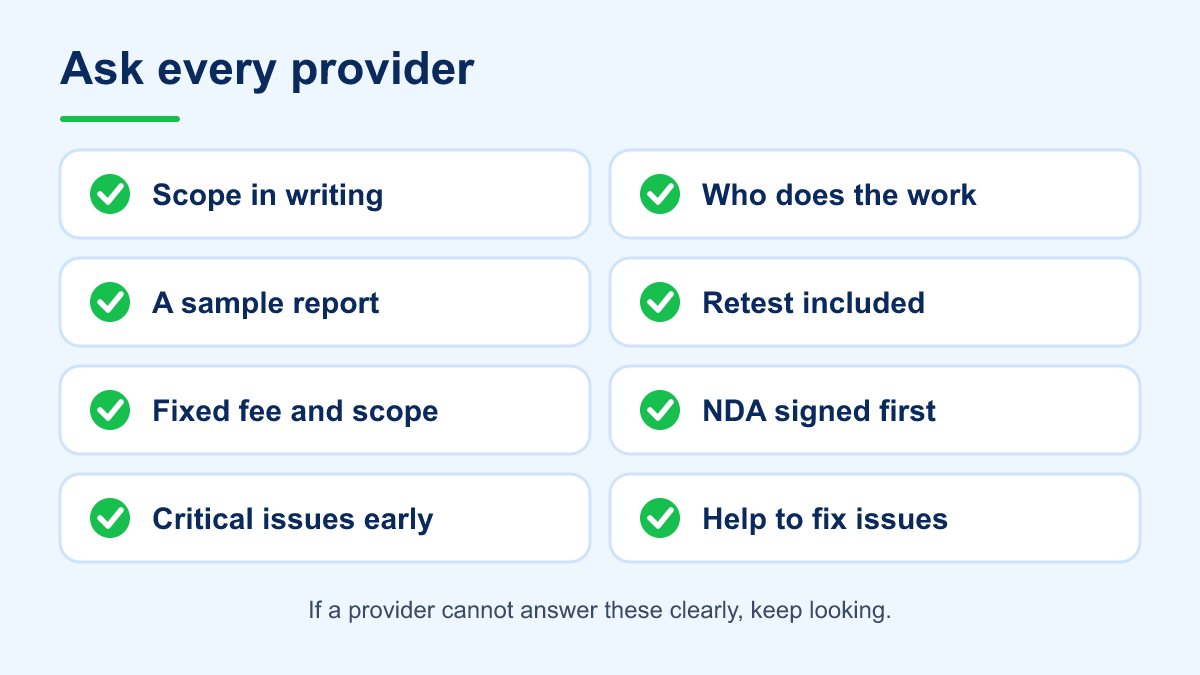
Use this checklist when you compare providers:
Confirm the scope. Ask exactly what will and will not be reviewed.
Ask who does the work. Find out whether experienced people read your app and code, or only tools run.
Ask for a sample report. It should be clear to owners, not only engineers.
Check the timing. Know when critical issues are shared and when the full report arrives.
Confirm a retest. Checking your fixes should be part of the deal.
Compare pricing fairly. A fixed fee for a fixed scope is easier to compare than hourly rates.
Ask about confidentiality. An NDA should be signed before anyone sees your code or data.
Ask who can help fix the issues. A provider that can also fix problems saves you a handover.
Be careful with providers who promise a result before they see your product. Be careful with reports that are long but unclear, and with audits that stop at a list of tool findings.
How AiGeeks Runs a Security Audit
AiGeeks is a venture studio that builds and looks after software products. Our Security Audit is written for owners and founders, not only for engineers.
One audit covers five places: your website and apps, your cloud, your software, your data and backups, and your team's AI tools. It takes about four weeks.
Critical issues are flagged within one business day. You then receive a scorecard with an overall rating, your top five risks and a 30, 60 and 90 day roadmap. Each fix shows the effort it needs. We retest your critical fixes once, within 60 days.
The price is a fixed fee for a fixed scope, with no surprise hours. We sign an NDA before reviewing anything sensitive. Once a project is paid for, the code, data and IP belong to you. If the audit shows that your app needs fixing or finishing, our app rescue service can help.
Choose an Audit You Can Act On
The right security audit gives you clear answers and a plan. Agree the scope, ask for a sample report and make sure critical issues reach you early.
Not sure where to start? Book a free consultation with AiGeeks.